
How To!
How to Run:
- Download the repository.
- Navigate to the tabs-example directory.
- Run npm install to install dependencies.
- Run npm run build to build the extension locally.
- Navigate to your extension manager in Chrome and load the unpacked extension by selecting the tabs-example directory.
- Use!
How to Use:
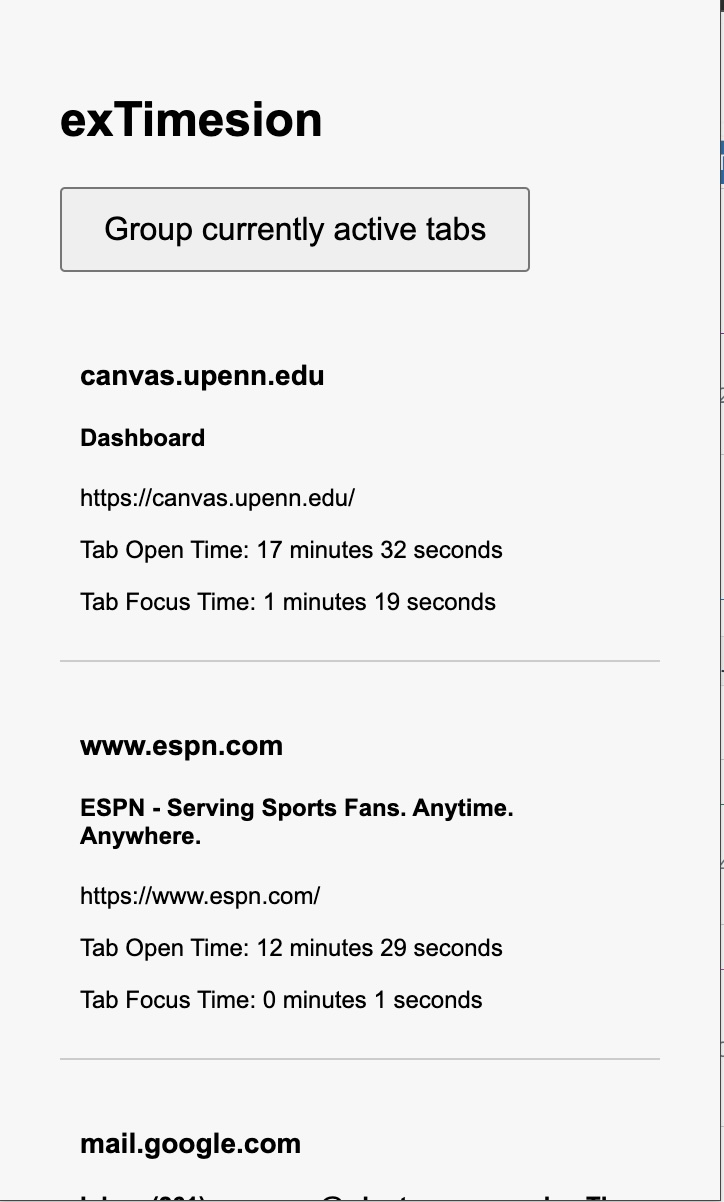
- Tab Tracking: exTimesion begins to track any tabs that are opened and then visited.
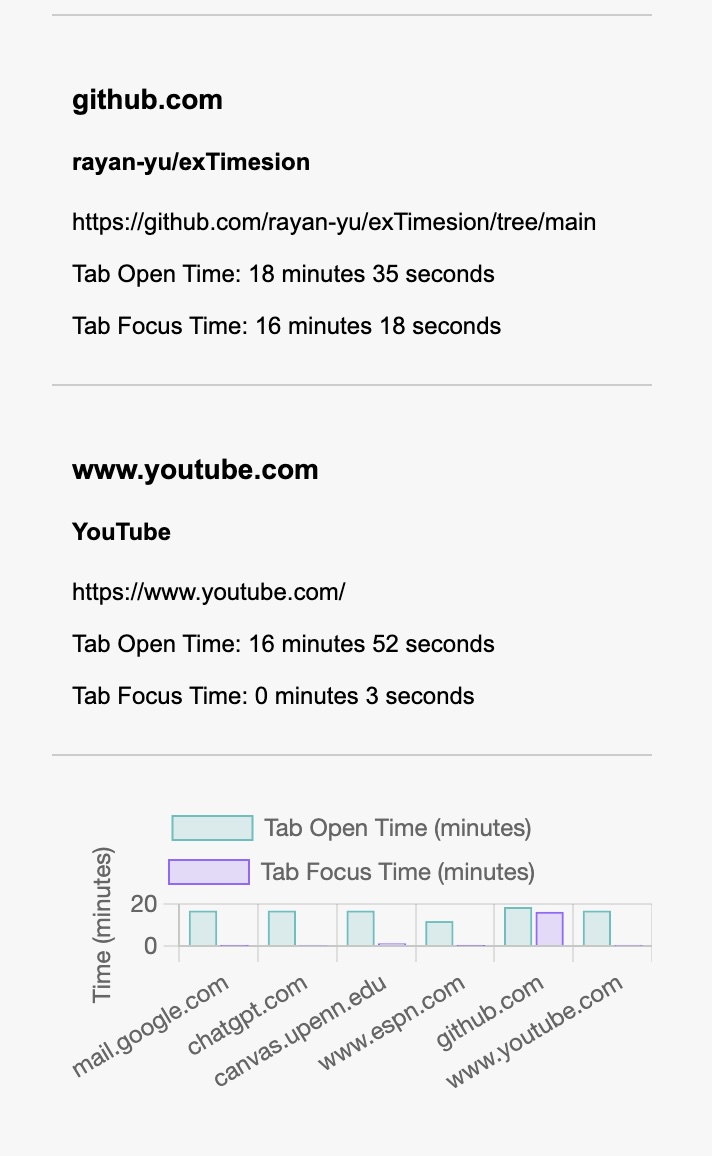
- Tab Open Time: Displays the amount of time since the tab has simply been opened and alive on your browser.
- Tab Focus Time: Displays the amount of time the tab has been looked at (i.e. how much time you've actually spent on that tab). Both times last across sessions, so you can switch between other applications (e.g., writing an essay on Word and revisiting Chrome) and still see your tab times tracked after they are retrieved from the Chrome cache.
- Group Active Tabs: Use the Group Active tabs button to group all current active tabs into a tab group.
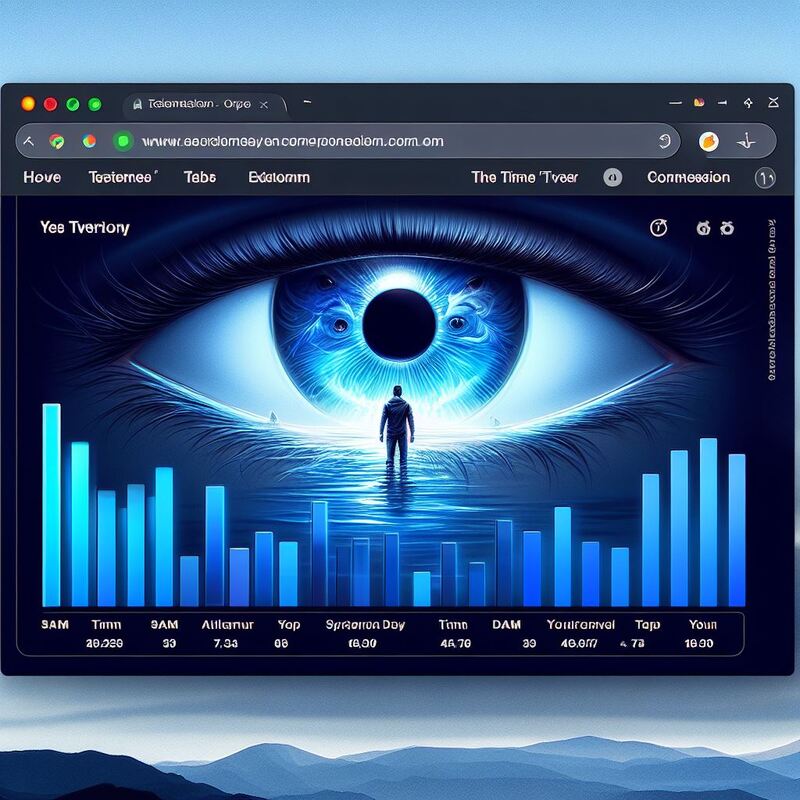
Detailed Analytics 🛡️
See your tabs displayed in live time alongside a bar graph showcasing the time the tab has been opened and in focus
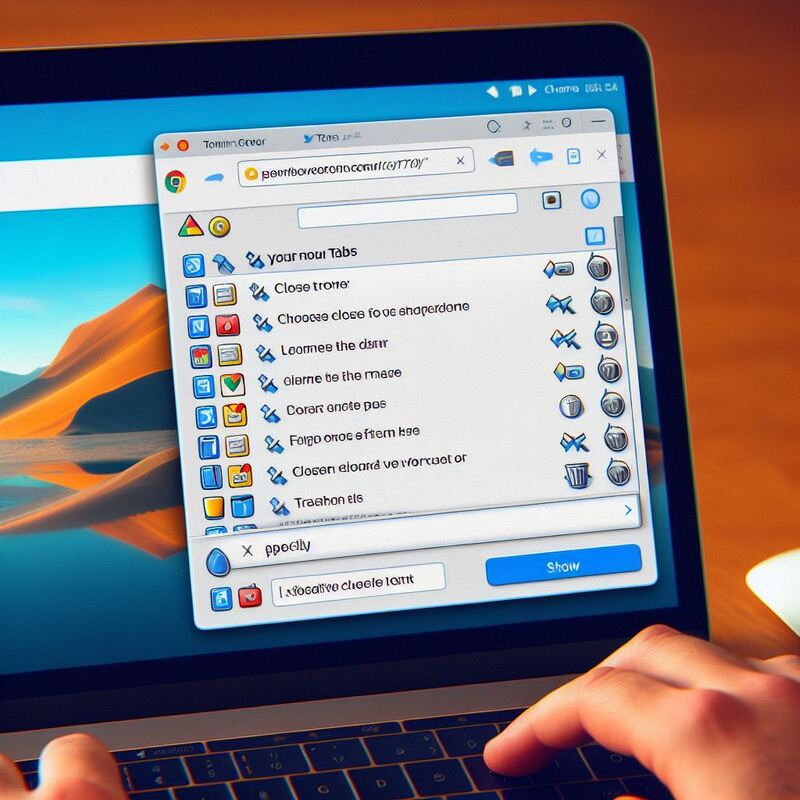
Tab Management 🚀
Manage your tabs with the ability to close out of tabs you feel are no longer necessary without having to parse through all your tabs

Bucketing 🦉
Bucket together similar tabs allowing you to control all these tabs with just one button.
Features Coming Soon!
Customizable Alerts 🦉
Get alerts for all the website you want and none of the websites you dont.
Weekly Reports ✨
Recieve weekly reports with in-depth analysis on your patterns and website usage.
Website Blocking 🧰
Block distracting and harmful websites (news, social media, etc...) to your productivity all with the click of one button.